J.A.R.V.I.S. · Desktop Agent Assistant
- 01// A voice-driven agent assistant that lives on the macOS desktop — a butler for your computer: one sentence operates your apps, browser and files, and long jobs run step by step in Agent mode, every step visible and anything risky confirmed first. Open source and actively developed.
- 03
- 04
- 05
- 06
- 07
- 08
- 09


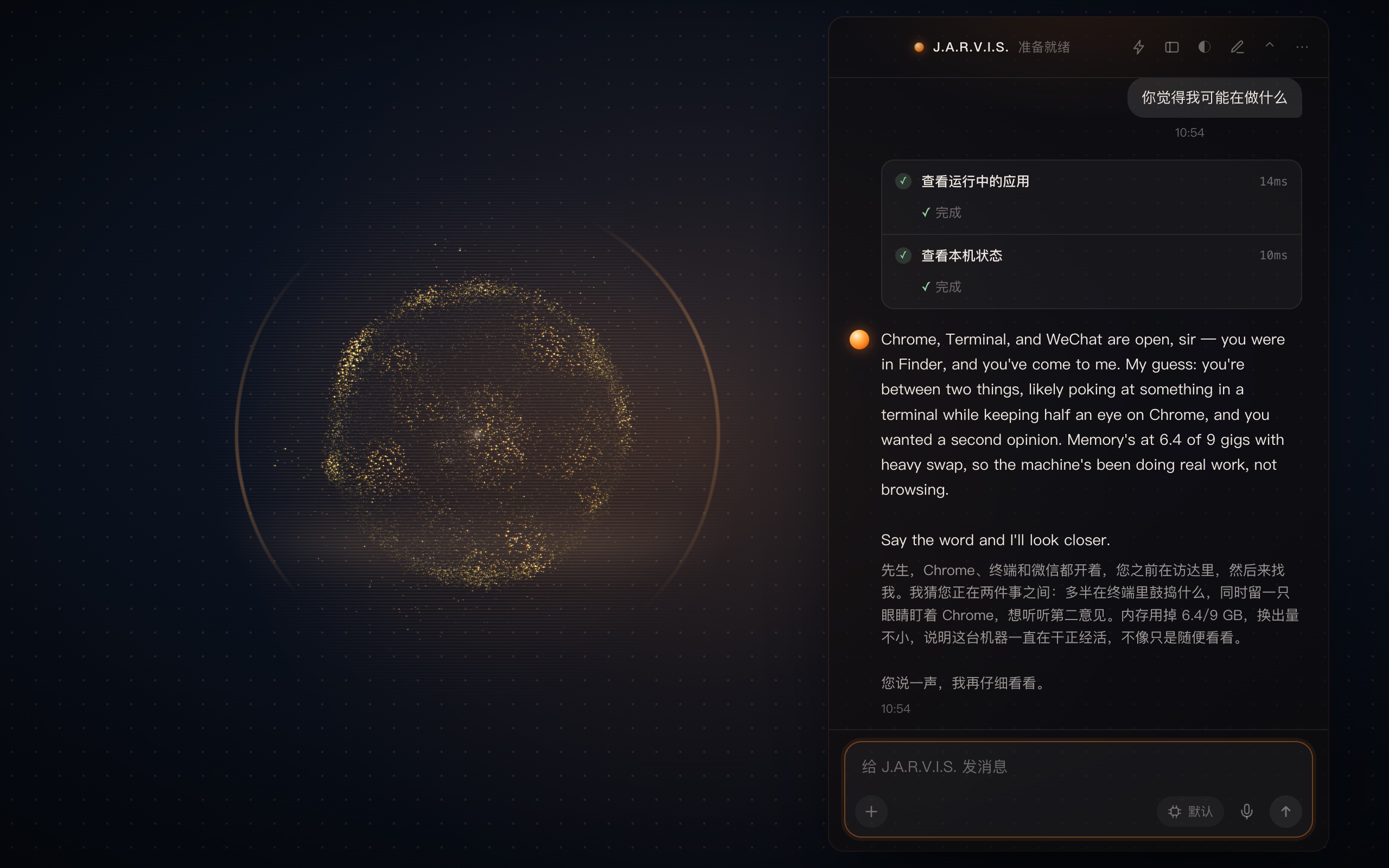
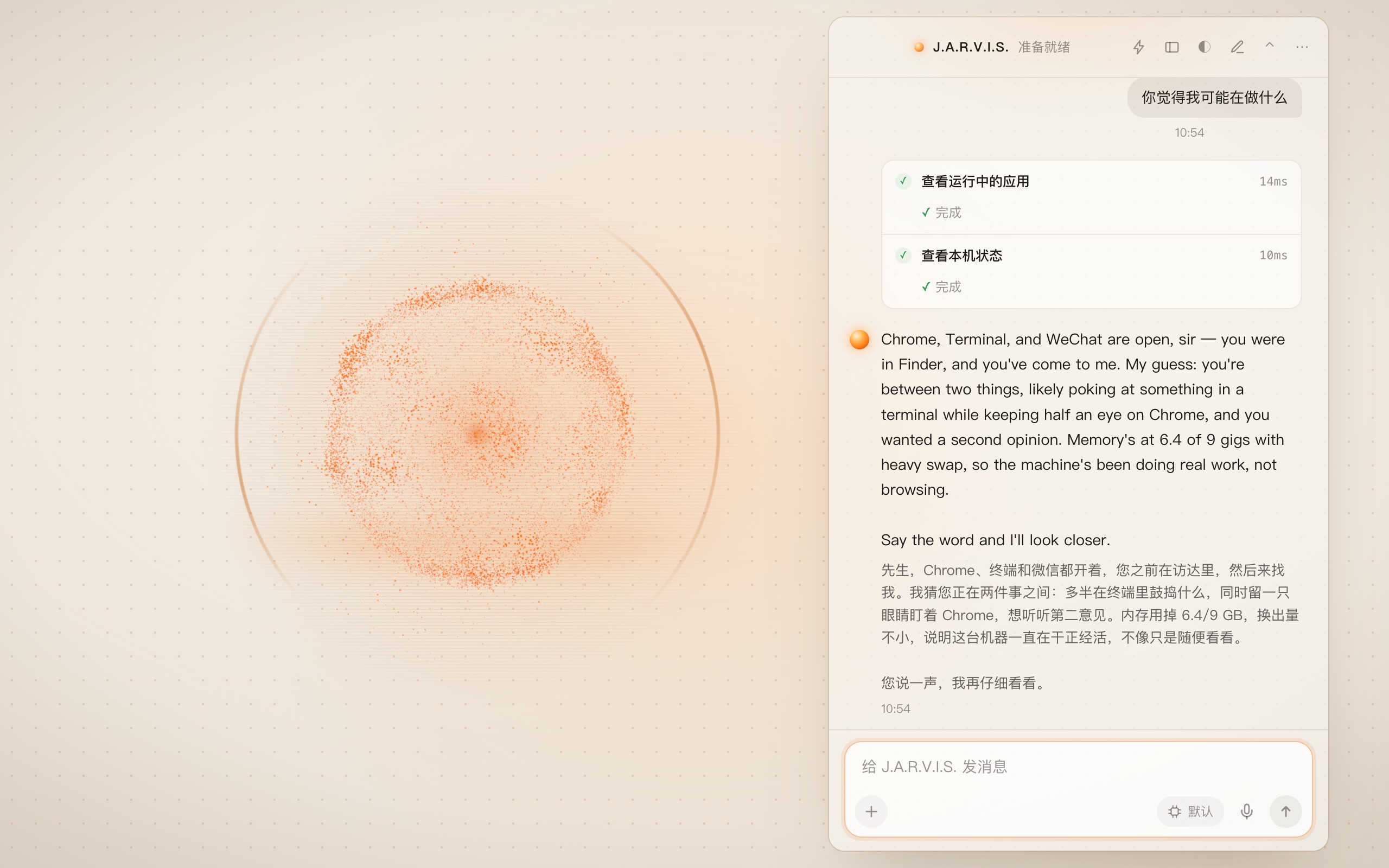
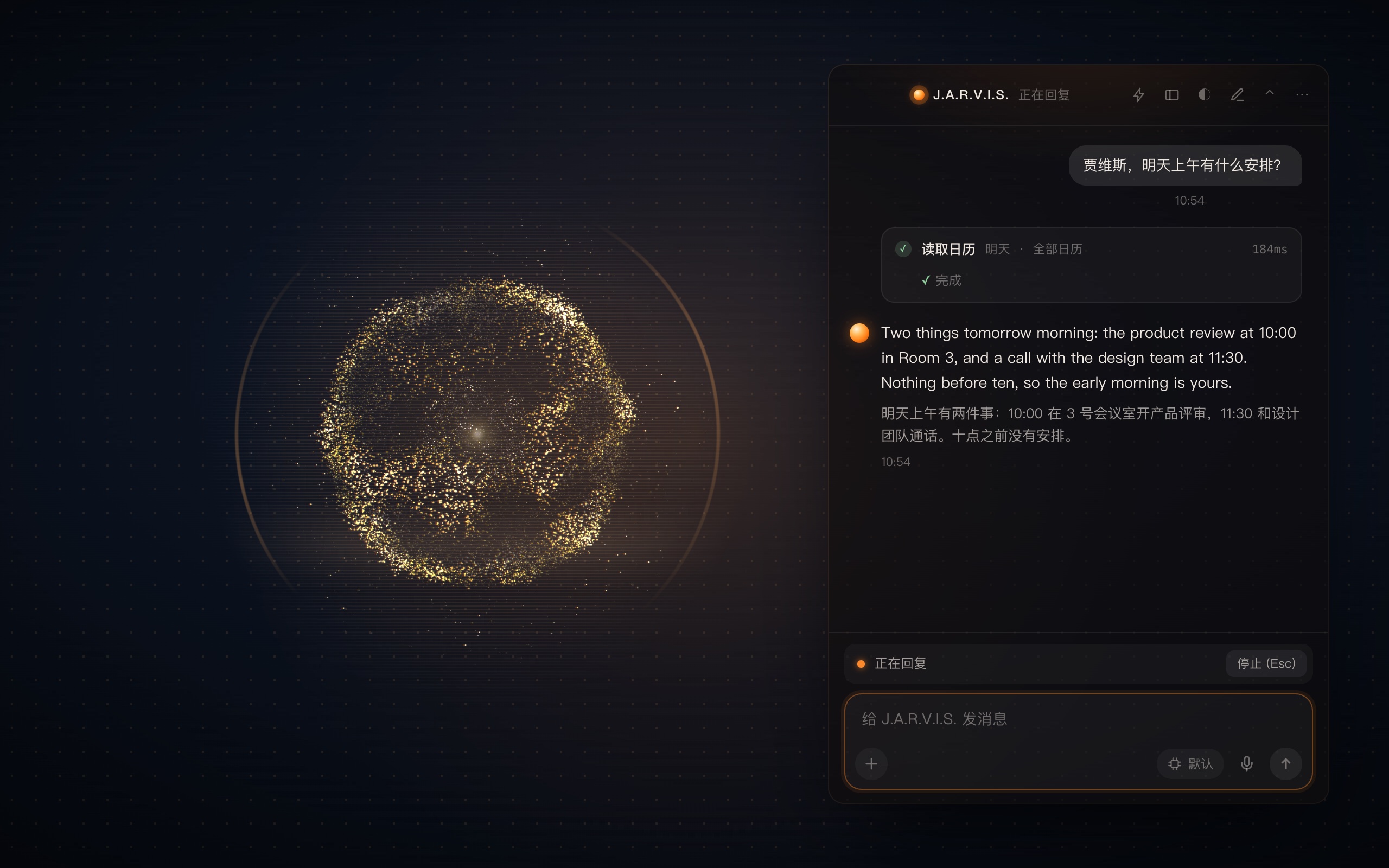
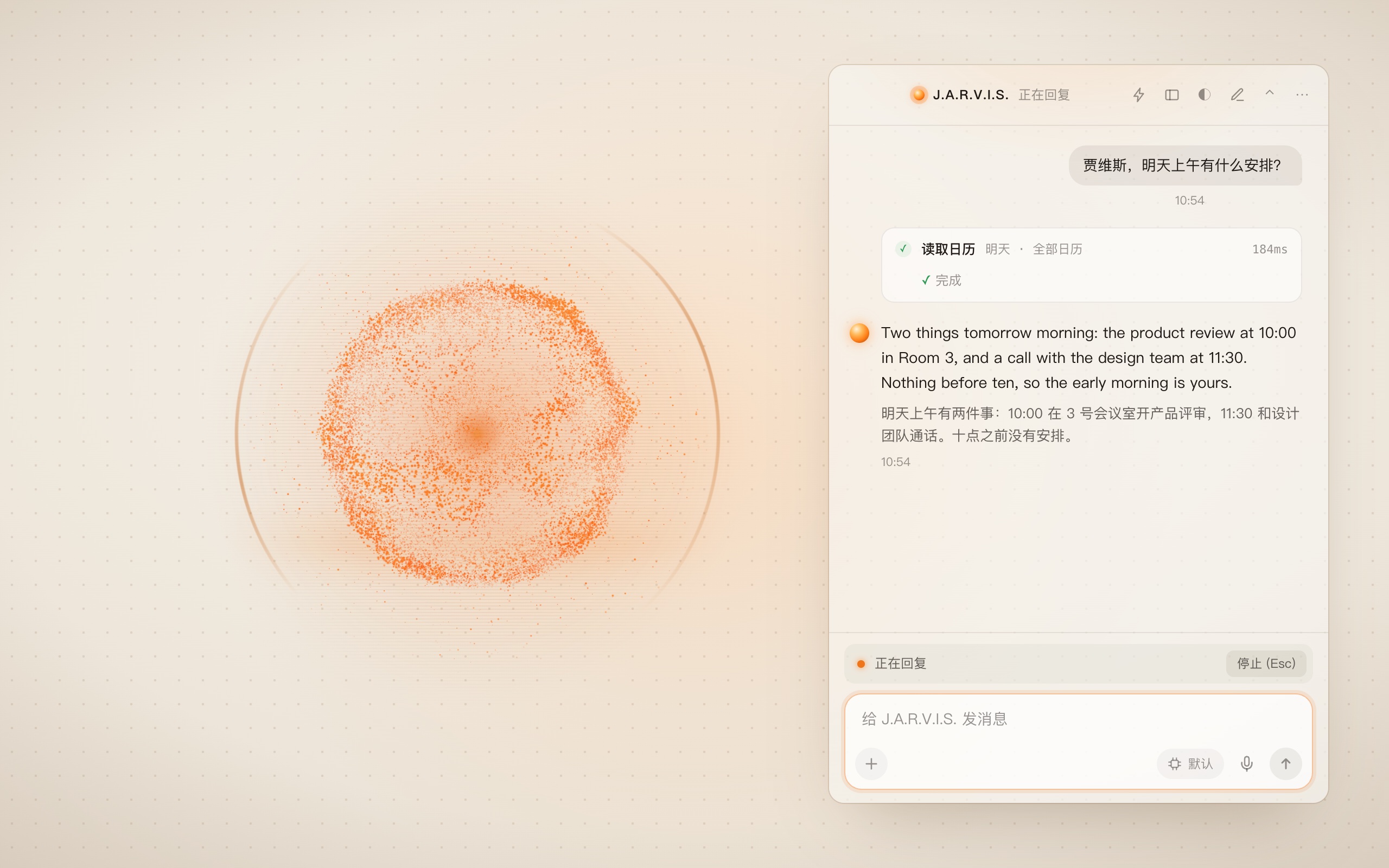
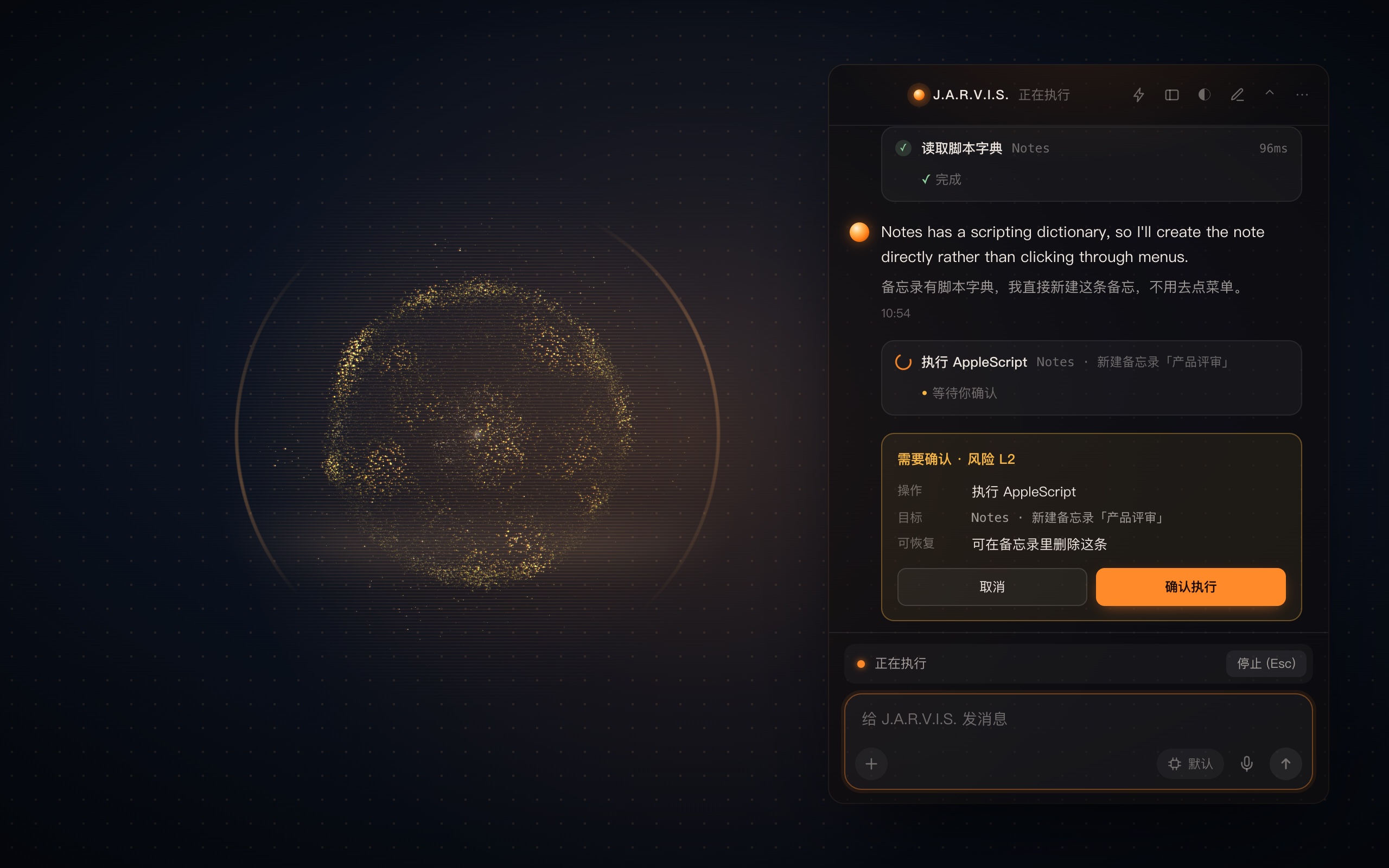
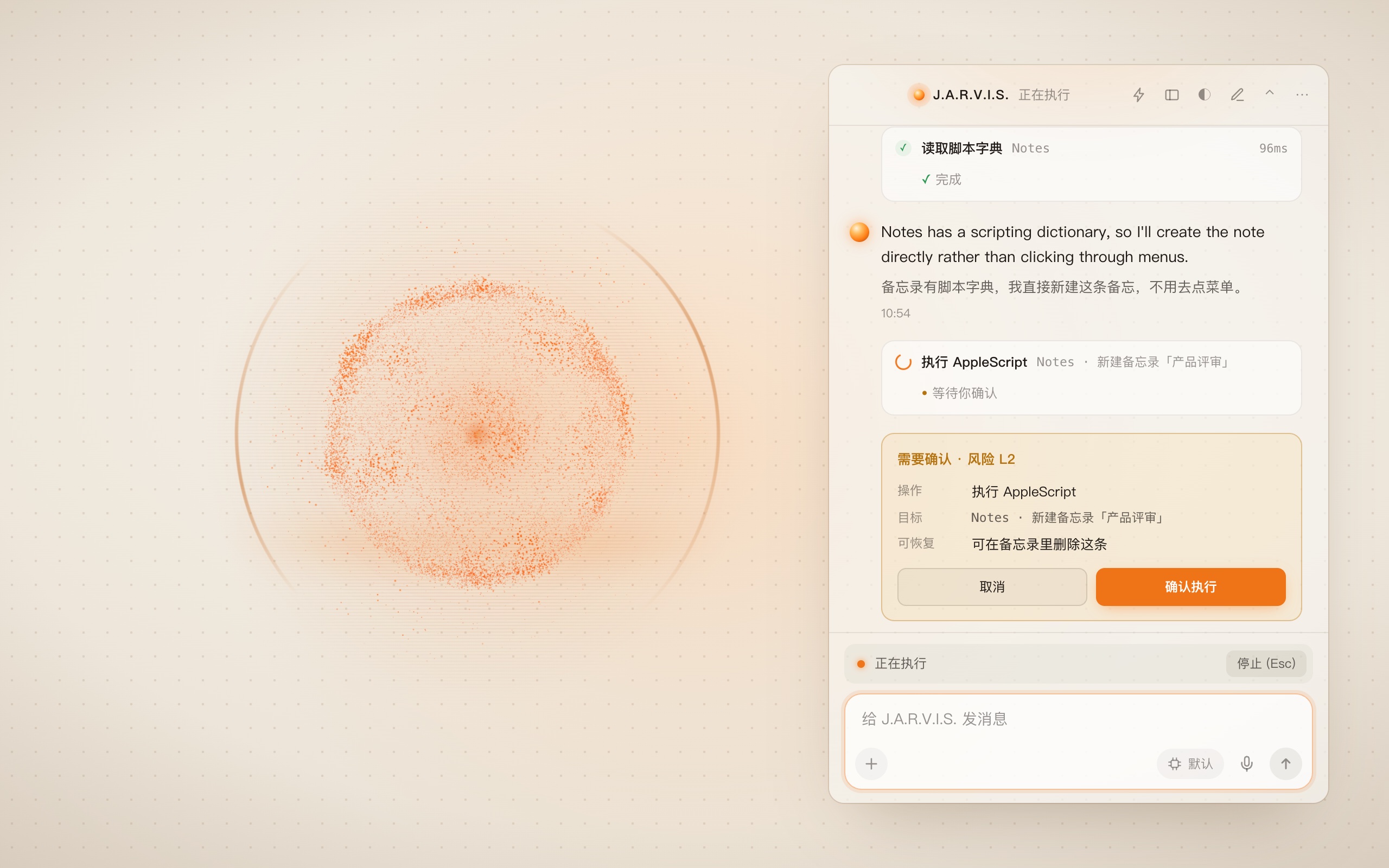
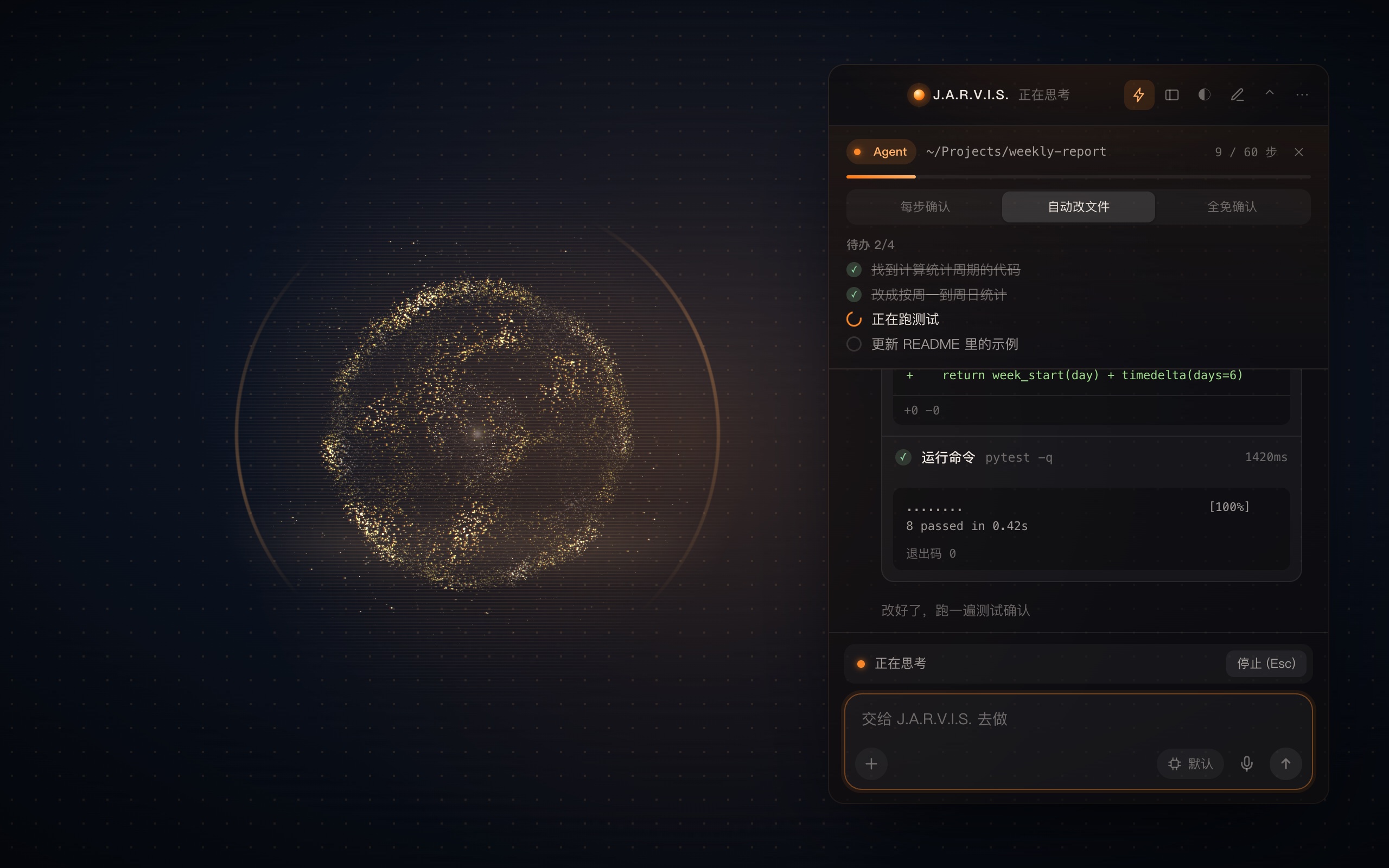
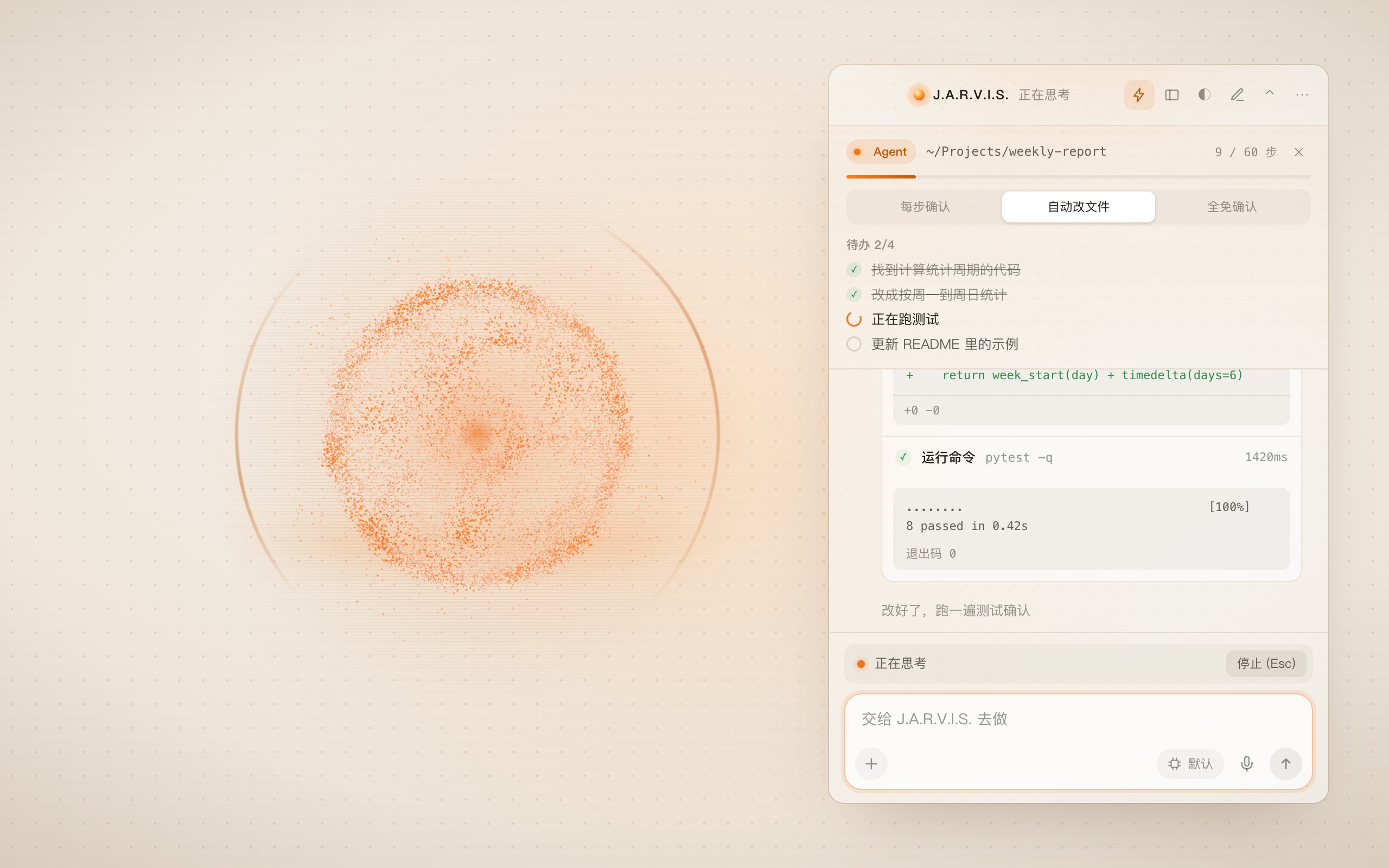
Feature tour7 feature screens
- 43
- tools available in Agent mode
- 4
- channels to operate local apps
- 60
- steps per Agent task
- L0–L4
- risk levels — L2 and up ask first
- Year
- 2026
- Type
- Product
- Status
- Open source
Overview
J.A.R.V.I.S. is an AI agent assistant that lives on the macOS desktop, built as a personal butler for your computer. Chatbots only answer — to actually get something done you still switch windows, click through menus and copy-paste — while command-line coding agents stay inside the terminal and the repository. J.A.R.V.I.S. brings agent capabilities to the whole desktop: one sentence reads your calendar, creates a note, looks something up, edits code or runs a command, and it reports the result out loud.
Problems it solves
- Context switchingchecking the schedule, jotting a note or opening an app takes one sentence, without leaving the window you are in
- Talk without actionit operates local apps directly and reports back — and says so plainly when it cannot
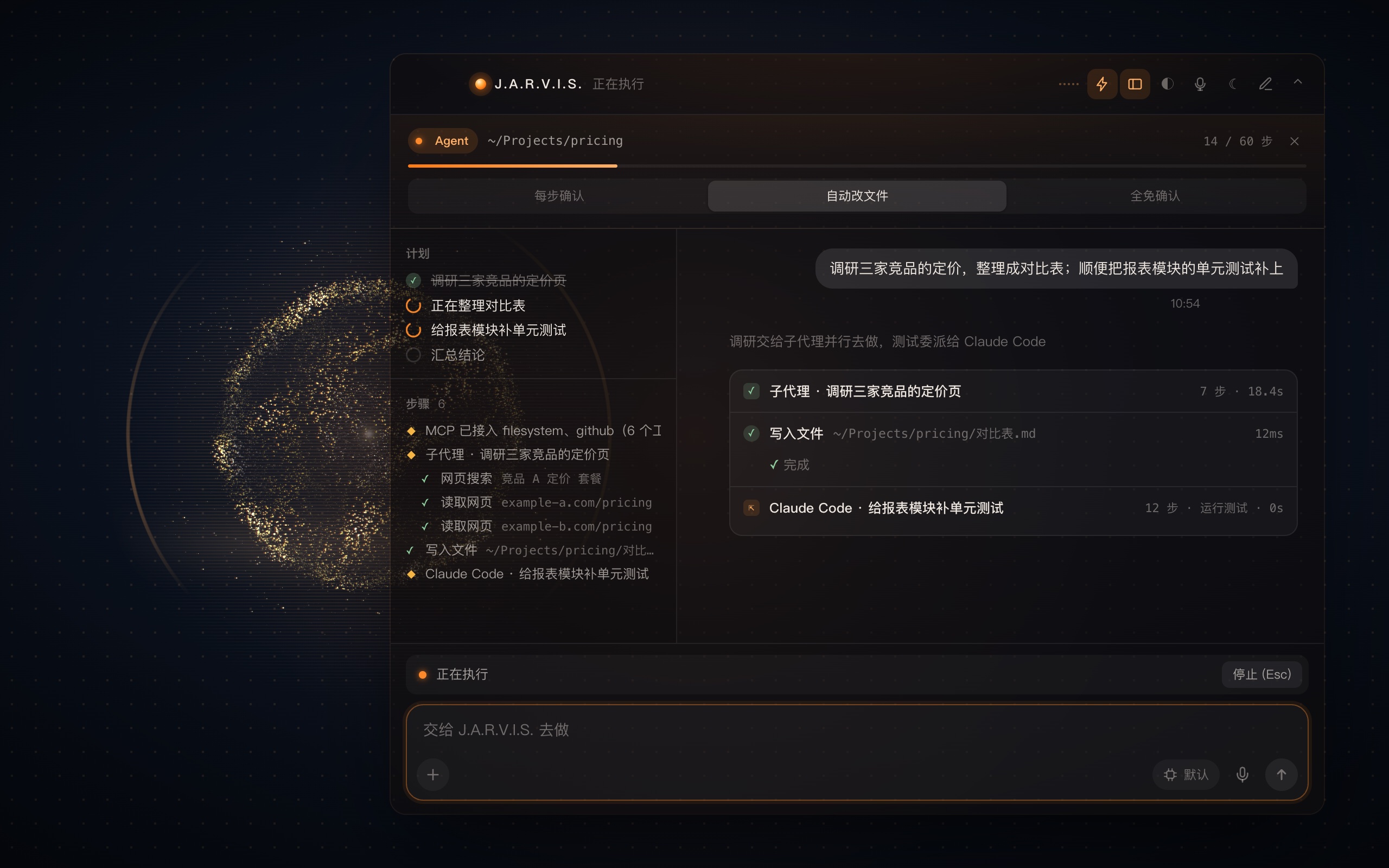
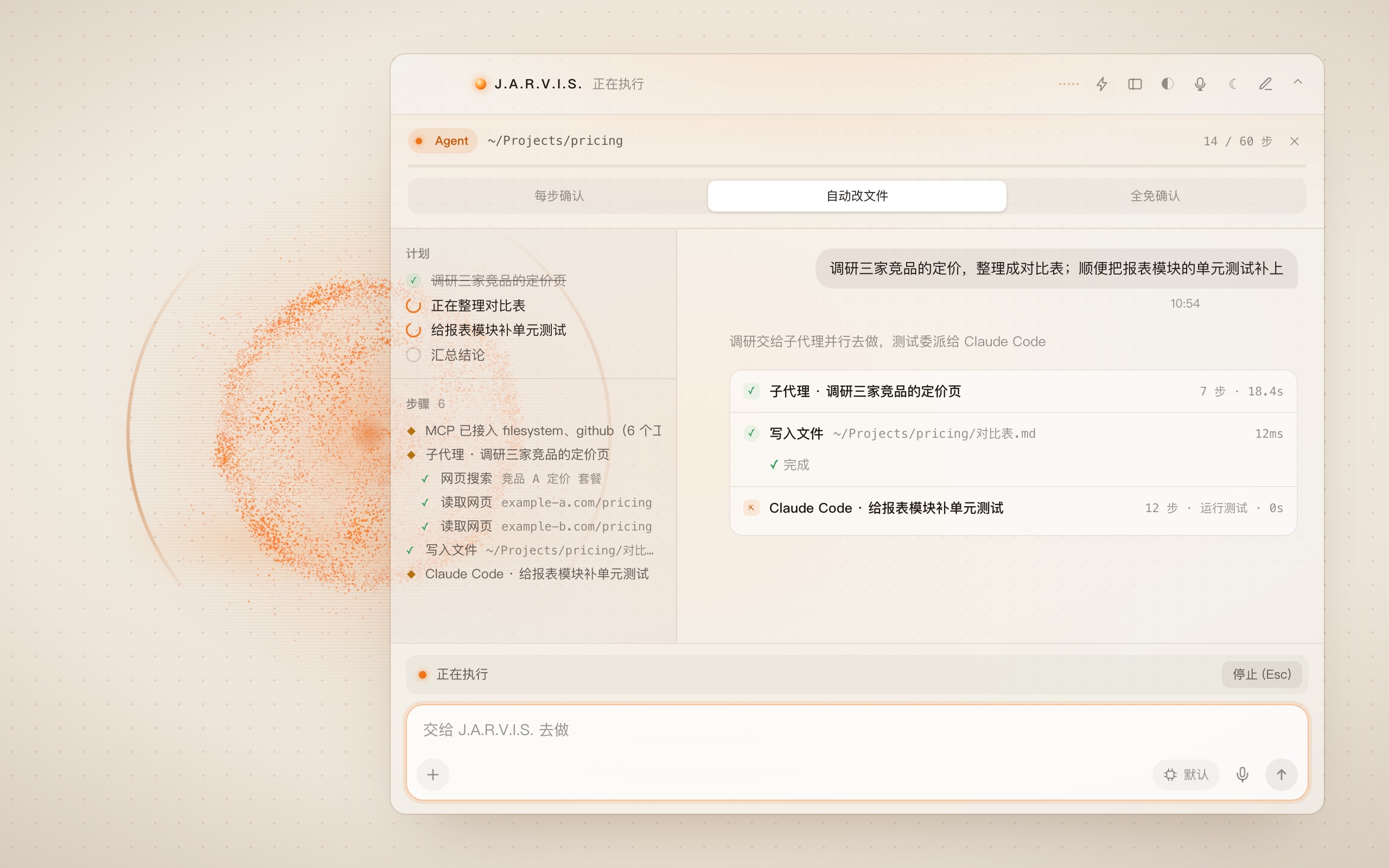
- Long tasks getting away from you: Agent mode breaks a goal into a to-do list and works through it, with every search, edit and command result laid out in the panel
- Not daring to let gowriting files, quitting apps, running commands and reading private data all ask first, and say whether the step can be undone
How it differs
- Versus chat assistantsit operates local apps through 4 channels — scripting dictionaries, menus, accessibility and the browser — delivering results, not suggestions
- Versus command-line agents: it covers desktop work such as calendar, notes and the browser, wakes by voice, and shows its progress as a visual timeline
- Model-agnosticany model with a compatible API can be plugged in; identity and memory live on your machine, so switching models keeps the same assistant
- Natively bilingualone answer produces English and Chinese together — English is spoken, Chinese appears as subtitles, with no extra translation request
- Local firstthe wake word and speech recognition are fully offline; clear commands like the time, opening an app or media control never go through the model; memory is plain text on your machine that you can read and edit
How to use it
- Wake itsay "Jarvis", or press ⌥V and talk; press ⌥Space to open the panel and type
- Hand over a long jobpress ⌥A for Agent mode, pick a working folder and permission tier, and state the goal
- Watch progresspress ⌥W for the workbench, with the to-do list and a step timeline always on the left
- Stop any timeEsc stops the current task, ⌘⇧N starts a new conversation
Agent harness
- One loop, two intensities: chat and Agent mode share the same session loop — only the step limit, toolset, confirmation policy and speech change
- A fixed toolset35 tools normally and 43 in Agent mode, exposed only when needed; the model never improvises shell commands
- Permission gatesL0–L4 risk levels with confirmation from L2; three permission tiers, and "always allow this session" covers a single tool and expires with the session
- Context compactionlong histories are summarized while explicitly keeping files changed, commands run, conclusions and open items, so work is never redone
- Project conventionsJARVIS.md / CLAUDE.md / AGENTS.md in the working folder are injected automatically
- Background processeslong-running commands go to the background, output is read incrementally, and timeouts reap the whole process group
- Undoable editsfile changes are tracked and can be restored in one step
- Sub-agents and external agents: read-only sub-agents research in parallel; whole coding jobs go to Claude Code or Codex, with results collected through their stable output contracts
- MCPworks as a client for third-party tools, inferring risk from each server's own annotations and relaxing only read-only tools
- Task logthe tool evidence of every multi-step task stays on disk, while long-term memory keeps just a one-line conclusion
Experience
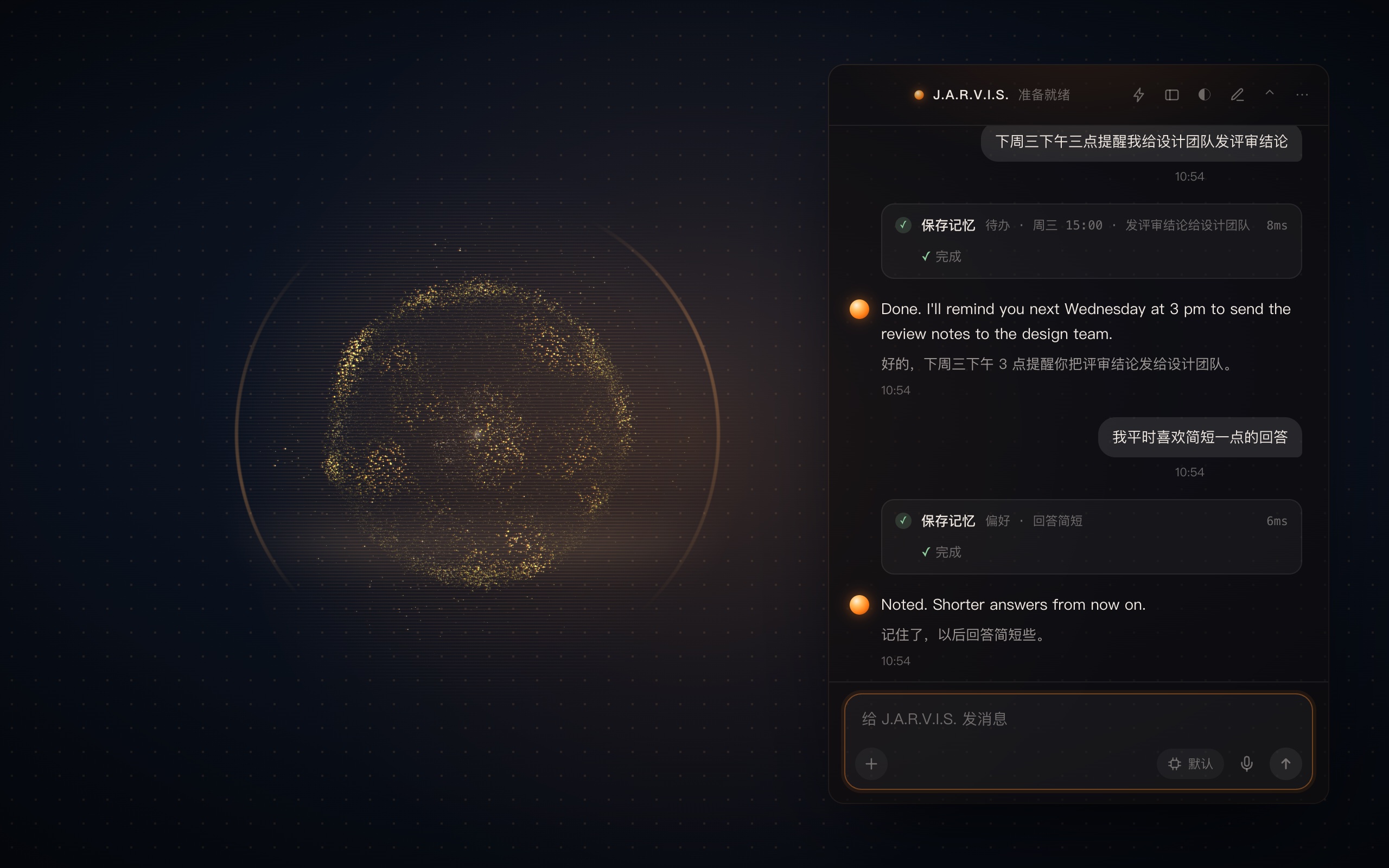
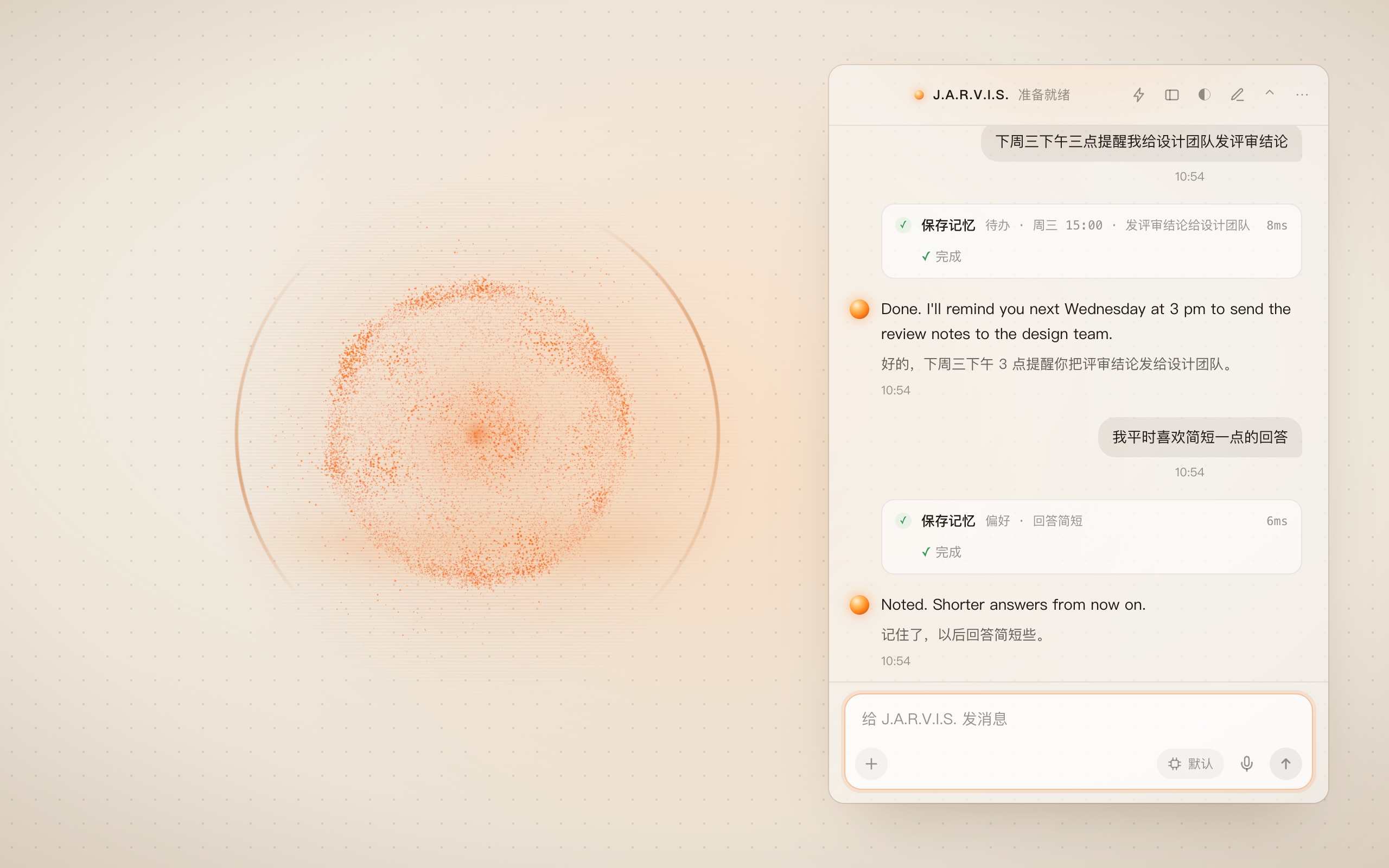
- A desktop presence that feels alive: the particle orb on the wallpaper layer breathes, moves differently while listening, thinking and speaking, and follows the real voice volume
- Long-term memory and reminders: preferences, to-dos and key moments stay on your machine, and reminders arrive as local system notifications
Roadmap
- Open source and actively developed
- Nextsmart-home appliance control, extending the butler from the computer to the home
Note: the screenshots show the real interface; "Reading the room" is a real conversation from the local machine, the others use demo conversations.
How to use it4 steps
- 01
Wake it
Say "Jarvis", or press ⌥V and talk. To type, press ⌥Space to open the panel. Press ⌥V while it speaks to interrupt.
- 02
Let it act
Just say what you need, such as "put the review notes in Notes". Anything that writes, quits an app or reads private data shows a confirmation card first.
- 03
Hand it a whole job
Press ⌥A for Agent mode, choose a working folder and a permission tier (confirm every step / auto-accept edits / bypass), then state the goal. Intermediate steps stay silent; only the conclusion is spoken.
- 04
Watch it, stop it
Press ⌥W for the workbench with the to-do list and step timeline. Esc stops the current task; ⌘⇧N starts a new conversation.
Stack
- Objective-C
- Python
- three.js
- sherpa-onnx
- Speech framework
- Piper
- ffmpeg
- MCP
- Unix socket
Keywords
- macOS
- Desktop agent
- Multi-model
- Voice
- Bilingual
- Open source